Solutions

Hardware is only half of a deployment

A headset in a box changes nothing. What changes a workflow is a calibrated room, content that matches your process, a charging and sanitation routine your staff will actually follow, and someone to call when a device misbehaves. That is what we ship alongside the hardware.

Scenarios

Six places this hardware earns its keep

These are the deployment patterns we know best. If yours is not listed, tell us the workflow and we will tell you honestly whether VR is the right tool for it.

Manufacturing

Design review

Review a full-scale assembly before tooling is committed, with several engineers in the same virtual model at once.

  • Vision X1 Pro depth capture for on-site room scans
  • Eye-tracked foveated rendering keeps CAD text legible
  • Glide haptics for fit, clearance and insertion checks
Healthcare

Training & rehabilitation

Repeatable procedure rehearsal for trainees, and guided motor exercises for patients, with per-session records your team can export.

  • Hot-swap power so a session never dies mid-procedure
  • Cleaning-friendly facial interfaces in three sizes
  • On-device tracking keeps patient data inside the room
Energy & logistics

Simulation & safety training

Practise high-risk procedures — confined space, live switching, crane handover — without taking the real asset offline.

  • Wireless streaming from a single workstation
  • Nexus C1 drives four trainees from one machine
  • Instructor view mirrors any headset live
Built environment

Architecture & real estate

Let a client stand inside an unbuilt floor plate, change the finishes, and walk the sight lines from the actual window height.

  • dToF room capture to anchor virtual models on site
  • Daylight and material variants swapped live
  • Aero for lightweight client walkthroughs
Education

Education & research

Class-sized headset fleets managed from one console, with content pushed to every device before the session starts.

  • Kiosk mode locks the device to one application
  • Fleet console pushes content and collects telemetry
  • OpenXR runtime so student projects stay portable
Retail

Showroom & demonstration

Give every visitor the same polished demonstration, without a staff member narrating it, and see which configuration they lingered on.

  • Auto-launch demonstration with reset on removal
  • Sanitation routine designed for high footfall
  • Engagement telemetry for product teams
What is included

Every deployment ships with these four things

We price them into the project rather than selling them back to you later.

01

Onboarding workshop

A half-day session with the people who will actually run the devices, not only with the project sponsor.

02

Room calibration

Tracking volume, lighting and reflective-surface assessment, plus a documented layout your team can reproduce.

03

Content migration

Porting existing CAD, DICOM, BIM or training assets onto the ORBITAL runtime, with a performance pass.

04

Support & spares

A named support engineer, spare facial interfaces and battery packs, and advance replacement on Pro units.

Rollout

A pilot first, always

We do not ask anyone to buy a fleet on faith. A typical engagement starts with one or two evaluation units in the real environment, run by the real operators, for thirty days. Only then do we size the rollout.

  • Week 1 — evaluation units delivered and calibrated
  • Week 2 — operators trained, first content running
  • Week 3 — workflow trial against your existing process
  • Week 4 — findings review, rollout plan and volume quotation
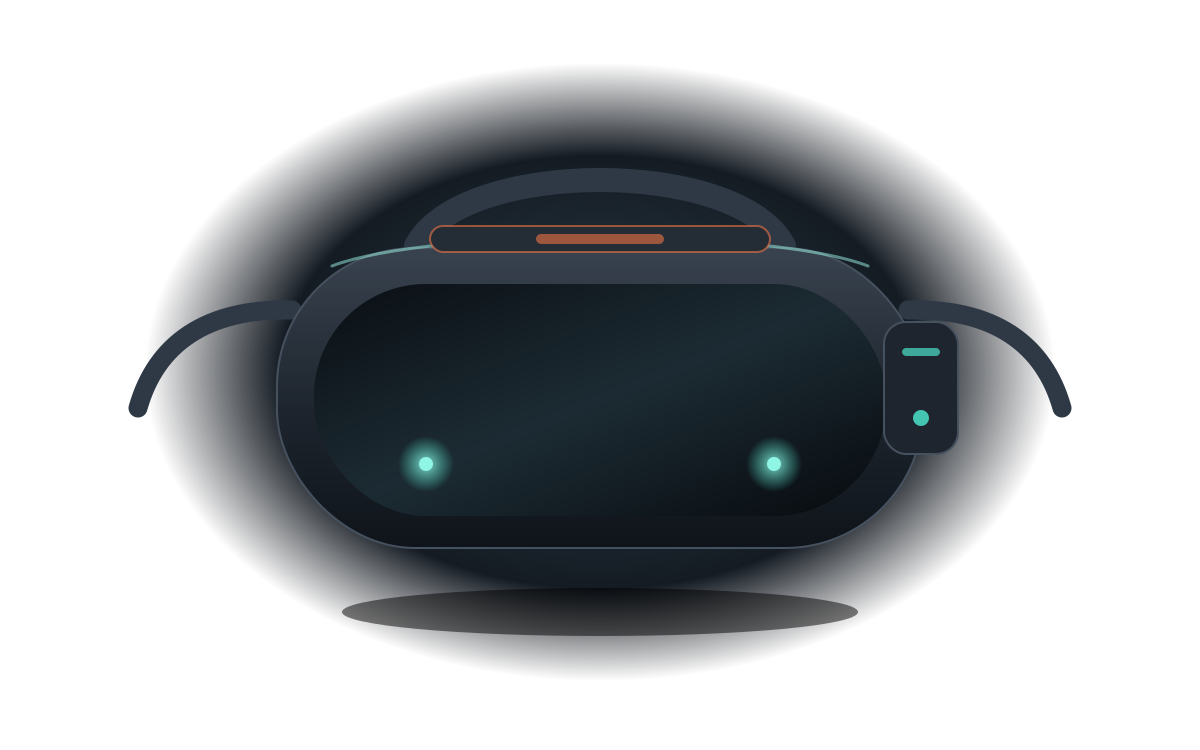
Illustration of the Vision X1 Pro enterprise headset used for deployment planning
Next step

Tell us the workflow, we will tell you if it fits

Describe the process you want to change, the site it happens on and the people who run it. You will get a straight answer, including when the answer is that VR is the wrong tool.